DriveMate 2.8
New Features
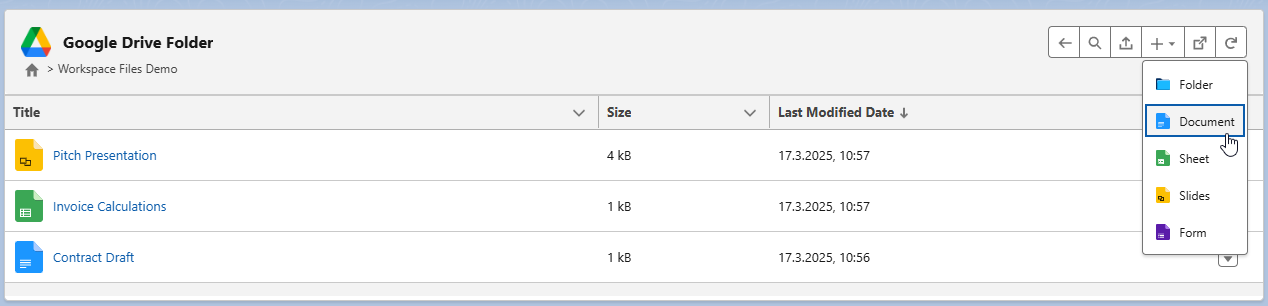
Google Workspace Files Creation - Docs, Sheets, Slides, Forms
It is now possible to create Google Docs, Sheets, Slides, and Forms from the level of the main DriveMate component.
Upload Component for Flows
A new upload-only component has been added, which allows admins to add the Google Drive upload functionality to the screen flows (or use it in custom LWC components), effectively enabling the use of the upload in flows, the lightning app builder, quick actions, and communities.
Example Use Case - Case Creation Flow
One of the applicable scenarios is a multi-step flow for the case creation process.
-
In the first step, we create a screen flow.
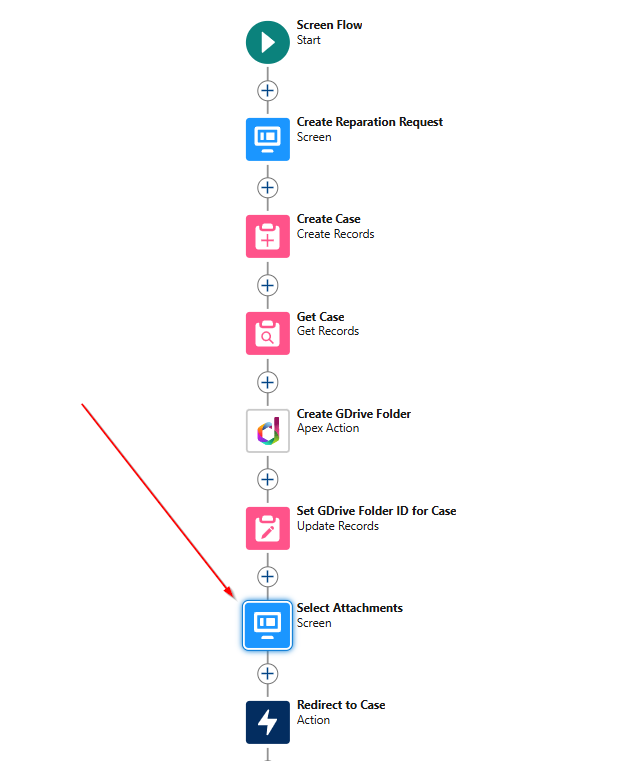
-
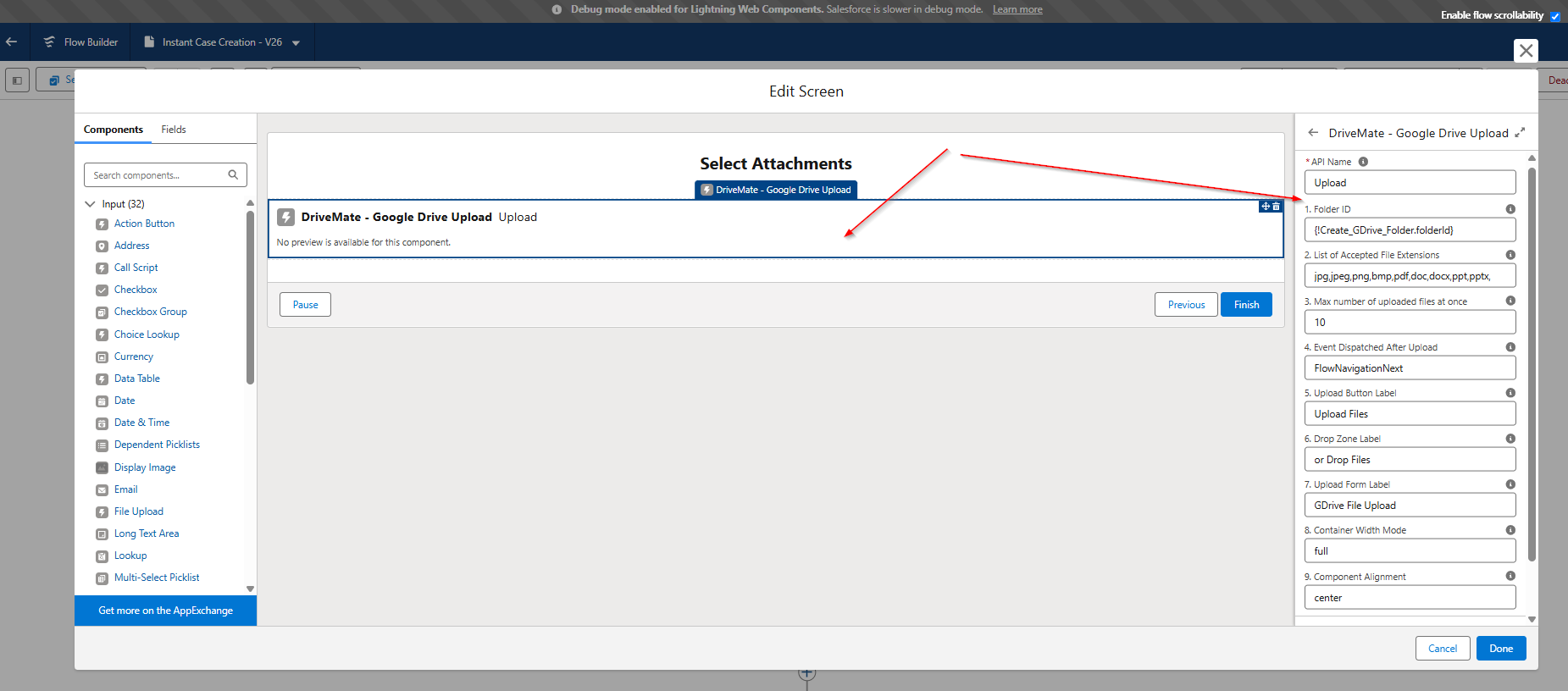
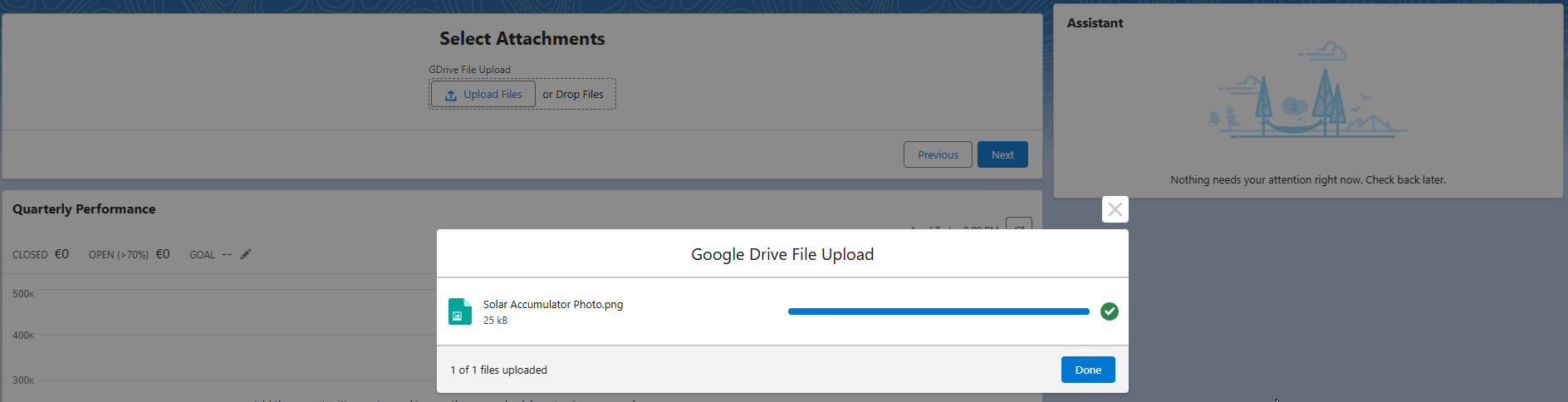
Use the DriveMate - Google Drive Upload component on the screen used to submit case attachments (the attachments will be uploaded to Google Drive).
-
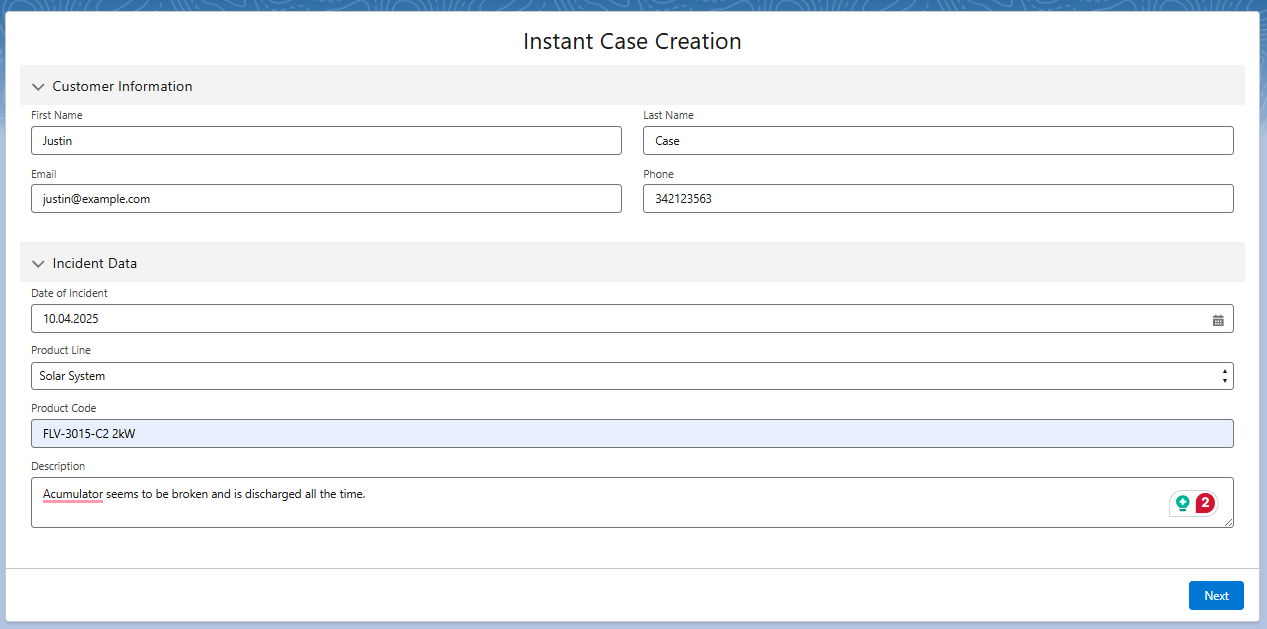
The running flow might look like this:
-
Here's where the component is used and attachments are submitted to Google Drive.

-
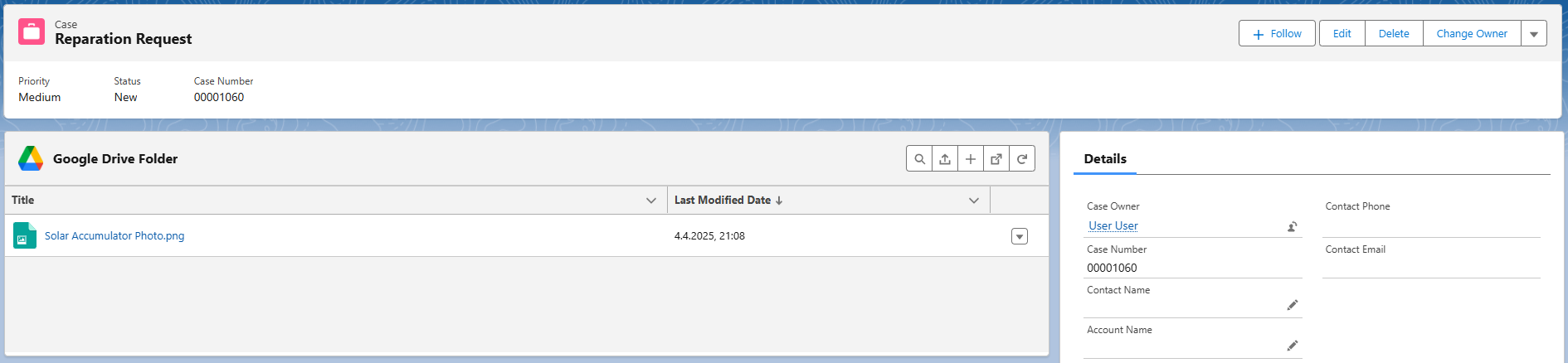
In the last step, user is redirected to the newly created Case record.
Improved Folder Creation UI
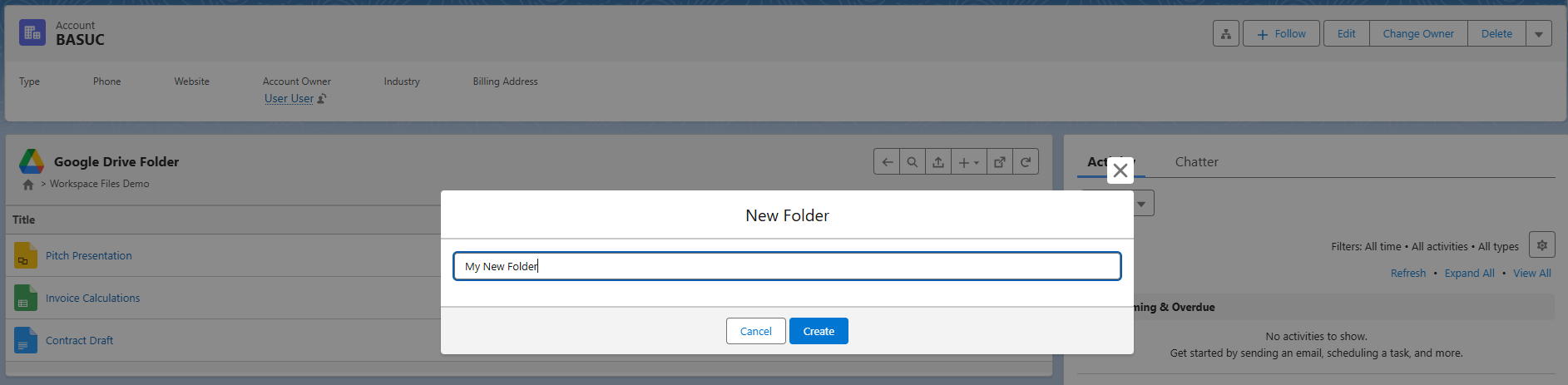
The legacy navigation-inline folder creation UI has been replaced with a dedicated modal for a better user experience.
SLDS2 Theme Support
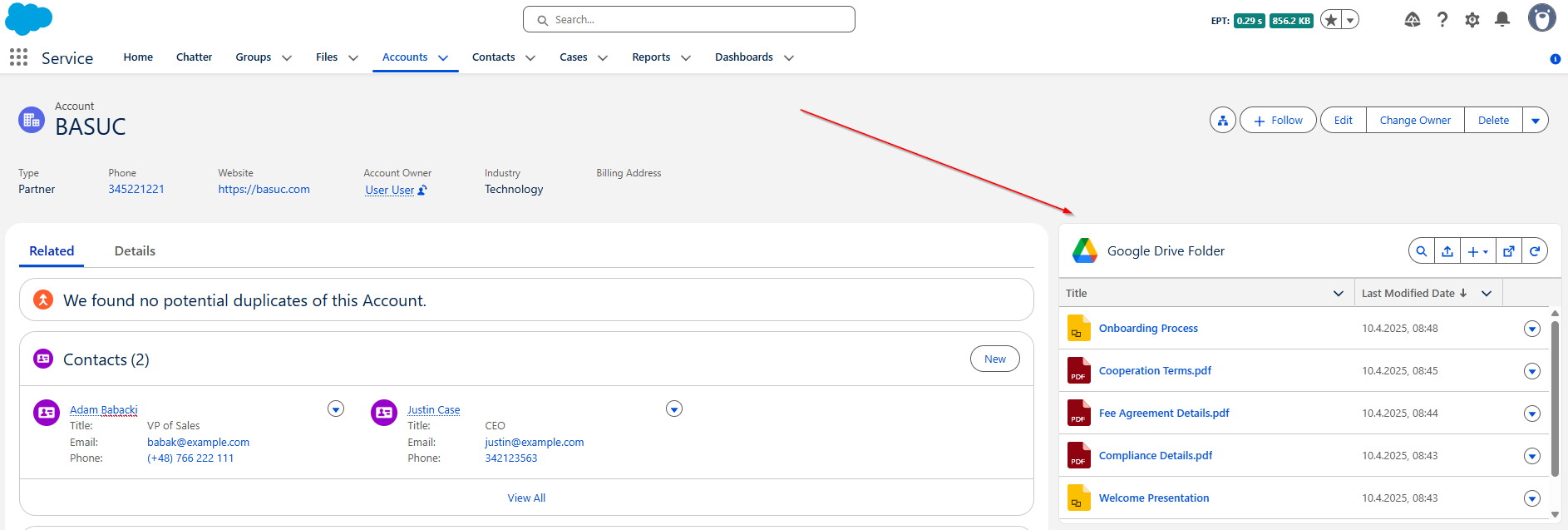
DriveMate UI components have now been adjusted to work well with the new SLDS2 Salesforce themes. Here's how the UI looks like then the new theme is enabled on the org:
Bug Fixes
- Search mode clear after selecting folder during search
- Improved styling when the Drivemate Google Drive Folder component is placed inside of the tabset